


🥩 Meats Judging Retail Cut ID Slideshows (National CDE List)
If you’ve ever spent hours digging through various ID websites, you already know the problem: plenty of pictures… not enough clarity.
These Retail Cut ID PowerPoints are built to make teaching easier and help students get better faster — because they can study and practice on their own time with clean visuals and clear explanations.
What’s included
-
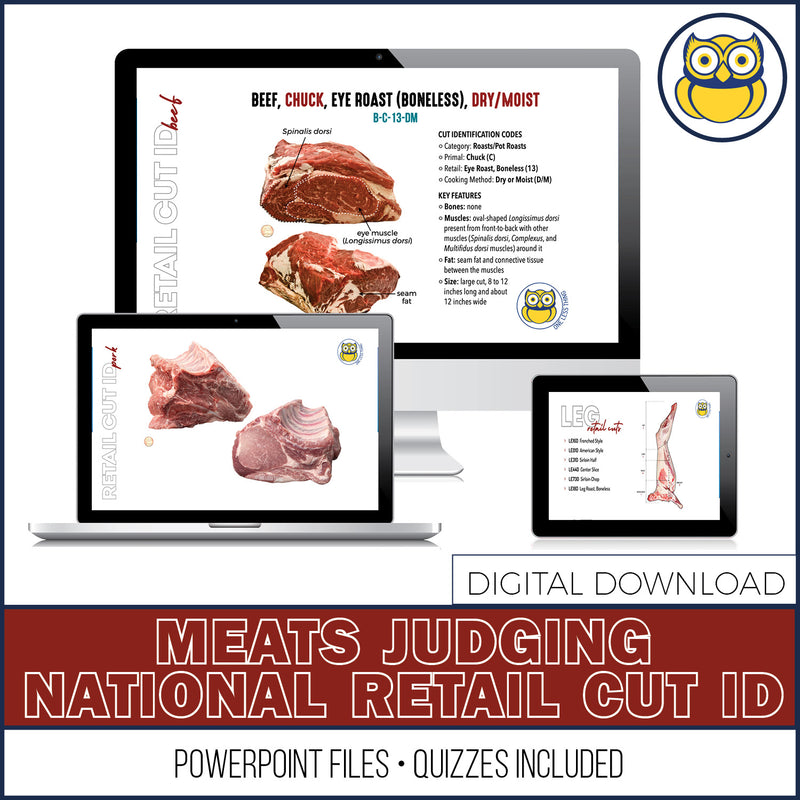
35 separate slideshows (organized and ready to roll out)
-
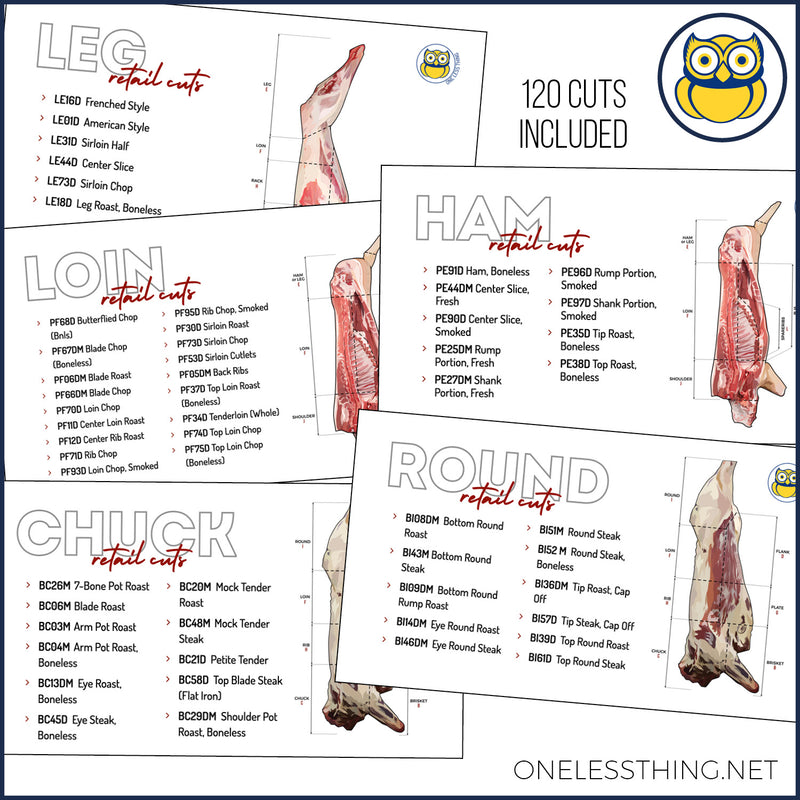
Covers all 120 retail cuts on the National CDE list
-
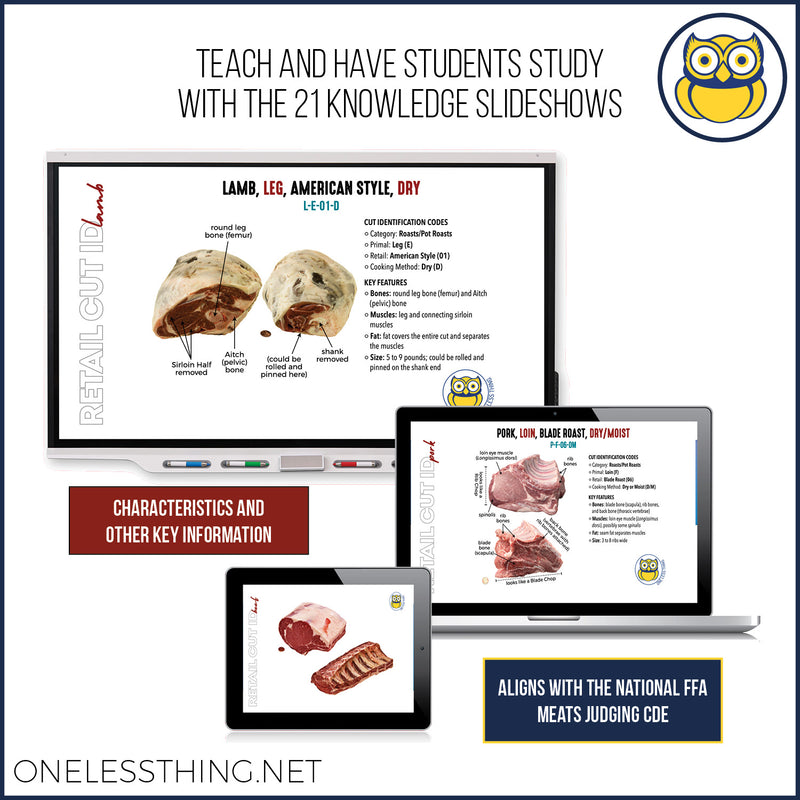
Full-color photos with multiple angles on cuts
-
Clear descriptions that point out key ID features (muscles, bones, and what students should be noticing)
-
Official codes included for every retail cut
-
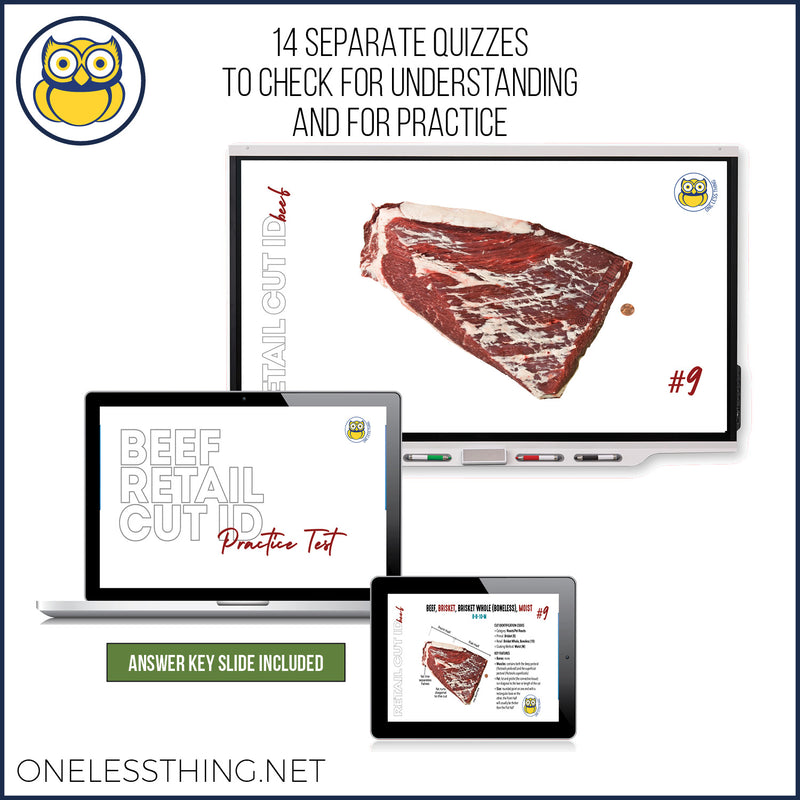
Pre-made quizzes for beef, pork, and lamb (use for practice or quick assessments)
Why You'll Like Them
-
Teach straight from the slideshow (no scrambling between tabs, sites, or scattered images)
-
Consistent wording and formatting across every cut, so students learn patterns — not random details
-
Perfect for new teams and new coaches who don’t have years of CDE experience to pull from
Students Improve Faster
Students don’t just need “more pictures.” They need pictures plus the why behind what they’re seeing.
These slides help students:
-
connect visual cues → correct cut name
-
start recognizing muscle + bone landmarks
-
build confidence with codes through repetition and self-paced practice
Download includes: 35 PowerPoint files + species quizzes (beef, pork, lamb).
(Digital download. No physical products included.)
This is Digital Download so...when and HOW do I get the files?
- At Checkout. As soon as the purchase is approved, download buttons will appear on the Order Confirmation Page.
- By Email. You will also receive an email with a link to download your purchased files. (Don't see an email? Check your Junk/Spam folder. Sometimes filters put this kind of auto response email there.)
Paying By Purchase Order?
- Digital files are not available until we have a signed PO. So your files will not show up at checkout. Be sure follow instructions in the order confirmation email to get your files as quickly as possible.
- The email that was entered for the order is the one who will receive the download link. The server only acknowledges that person, they are the Chosen One. But we can always change it. Plus those awesome business office folks really want you to have that link anyhow. Just email orders@onelessthing.net and we'll fix you right up.
🥩 Meats Judging Retail Cut ID Slideshows (National CDE List)
If you’ve ever spent hours digging through various ID websites, you already know the problem: plenty of pictures… not enough clarity.
These Retail Cut ID PowerPoints are built to make teaching easier and help students get better faster — because they can study and practice on their own time with clean visuals and clear explanations.
What’s included
-
35 separate slideshows (organized and ready to roll out)
-
Covers all 120 retail cuts on the National CDE list
-
Full-color photos with multiple angles on cuts
-
Clear descriptions that point out key ID features (muscles, bones, and what students should be noticing)
-
Official codes included for every retail cut
-
Pre-made quizzes for beef, pork, and lamb (use for practice or quick assessments)
Why You'll Like Them
-
Teach straight from the slideshow (no scrambling between tabs, sites, or scattered images)
-
Consistent wording and formatting across every cut, so students learn patterns — not random details
-
Perfect for new teams and new coaches who don’t have years of CDE experience to pull from
Students Improve Faster
Students don’t just need “more pictures.” They need pictures plus the why behind what they’re seeing.
These slides help students:
-
connect visual cues → correct cut name
-
start recognizing muscle + bone landmarks
-
build confidence with codes through repetition and self-paced practice
Download includes: 35 PowerPoint files + species quizzes (beef, pork, lamb).
(Digital download. No physical products included.)
This is Digital Download so...when and HOW do I get the files?
- At Checkout. As soon as the purchase is approved, download buttons will appear on the Order Confirmation Page.
- By Email. You will also receive an email with a link to download your purchased files. (Don't see an email? Check your Junk/Spam folder. Sometimes filters put this kind of auto response email there.)
Paying By Purchase Order?
- Digital files are not available until we have a signed PO. So your files will not show up at checkout. Be sure follow instructions in the order confirmation email to get your files as quickly as possible.
- The email that was entered for the order is the one who will receive the download link. The server only acknowledges that person, they are the Chosen One. But we can always change it. Plus those awesome business office folks really want you to have that link anyhow. Just email orders@onelessthing.net and we'll fix you right up.